
Dashboard
The Dashboard is your home base in Pagr — the first thing you see after signing in. It greets you and gives you an at-a-glance view of your usage, plus quick ways to jump back into your work or start something new.
Statistics
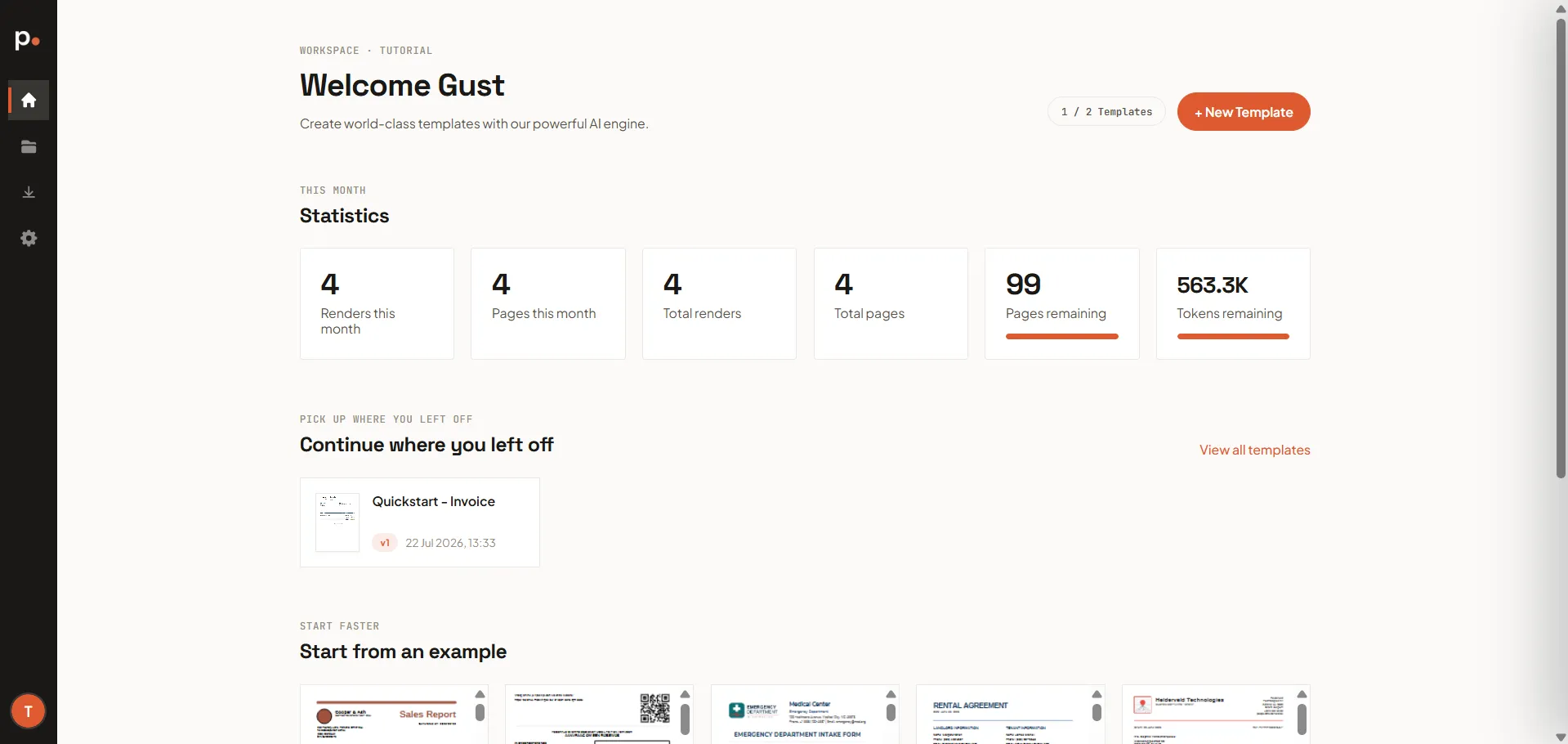
Section titled “Statistics”Under This month, a row of tiles summarises your usage:
- Renders this month and Pages this month — activity in the current billing period
- Total renders and Total pages — your all-time totals
- Pages remaining — with a progress bar showing how much of your allowance is left
- Tokens remaining — your remaining AI tokens
For a detailed breakdown of where your pages and tokens went, open Usage.
Continue where you left off
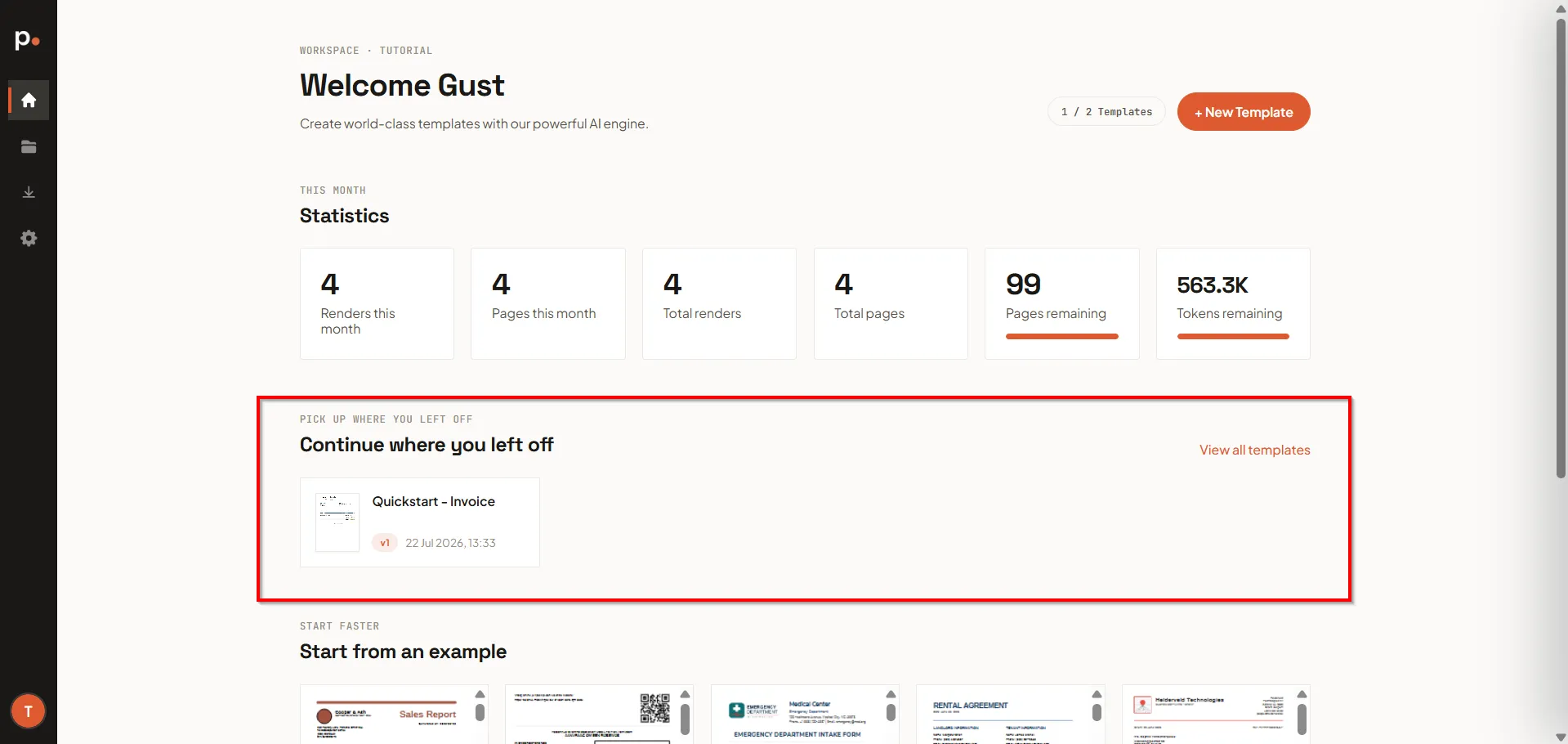
Section titled “Continue where you left off”Once you’ve created templates, the Dashboard shows a Continue where you left off section with your most recent templates, so you can jump straight back into editing. Use View all templates to go to the full Templates list.
Start from an example
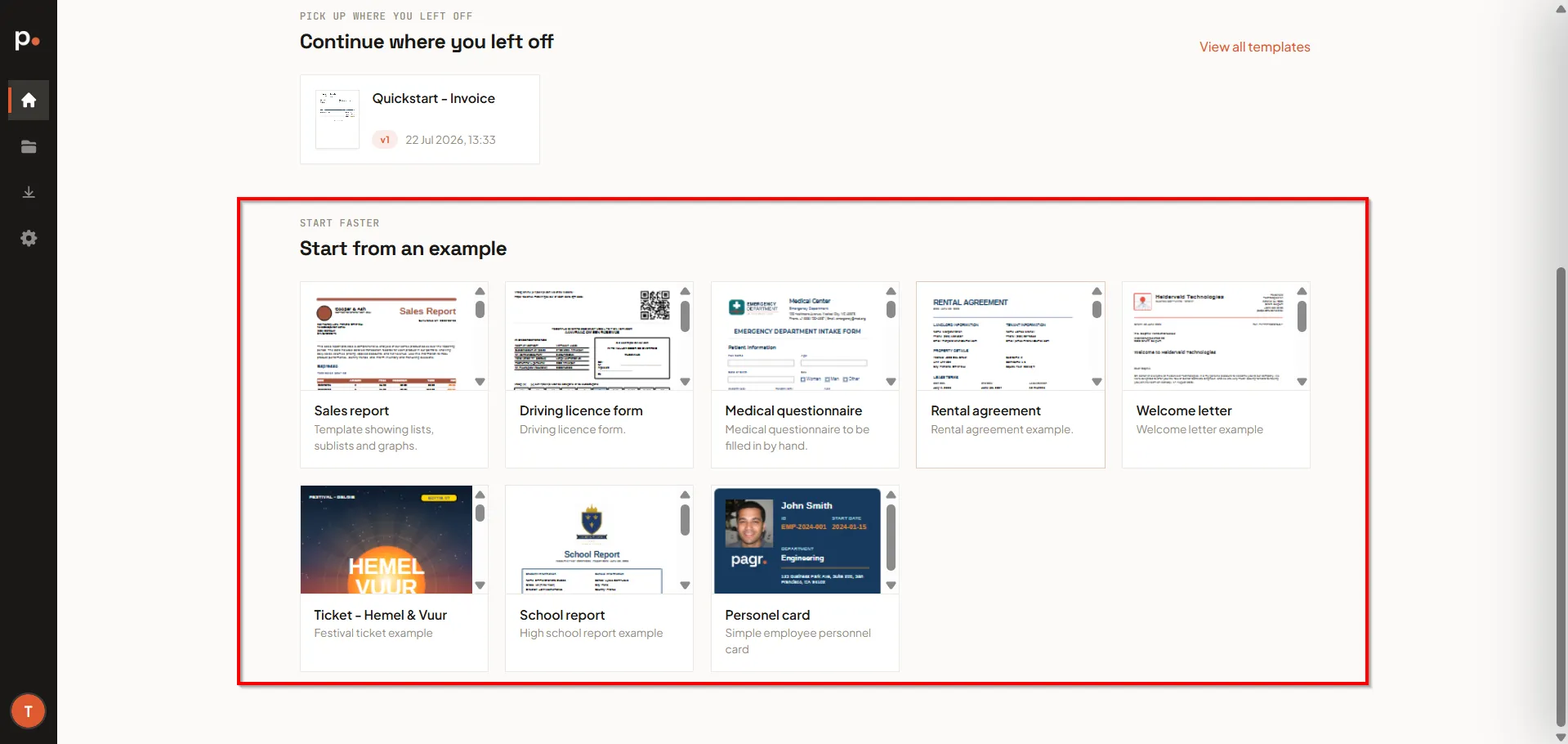
Section titled “Start from an example”New to Pagr, or starting a fresh document? The Start from an example gallery offers a growing library of ready-made templates — contracts, reports, forms, letters, cards — that you can use as a starting point. Each arrives with sample data already filled in, and starting from one costs no AI tokens. See Start from an example.
To build from scratch instead, use + New Template in the top-right corner. The counter beside it (for example, “0 / 2 Templates”) shows how many templates you’ve created against your plan’s limit.
Navigating Pagr
Section titled “Navigating Pagr”The narrow icon sidebar on the left takes you to the rest of Pagr:
- Home — this Dashboard.
- Workspace — your templates, master templates, projects, image gallery, and fonts.
- Output — your renders and render events.
- Settings — account, general, users, API keys, usage, and billing.
Your account menu
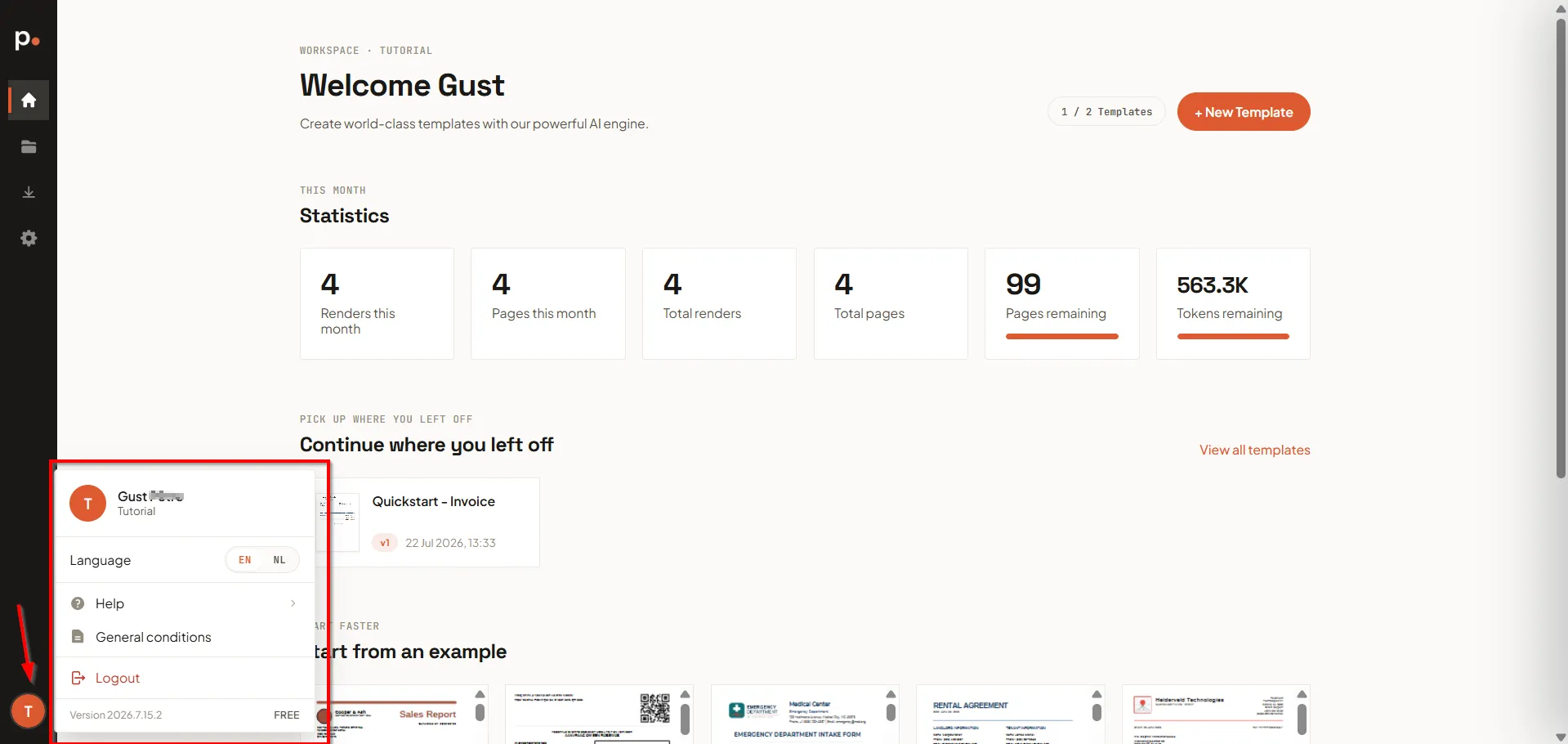
Section titled “Your account menu”Click your avatar at the bottom of the sidebar to open the account menu. It shows your name and current organisation, and gives you:
- Language — switch the interface between EN and NL.
- Help — support and documentation links.
- General conditions — Pagr’s terms.
- Logout — sign out.
The bottom of the menu also shows the app version and your current plan (for example, “Free”).
Related articles
Section titled “Related articles”- Create an account — how you get here for the first time.
- Templates — create and render your documents.