
General
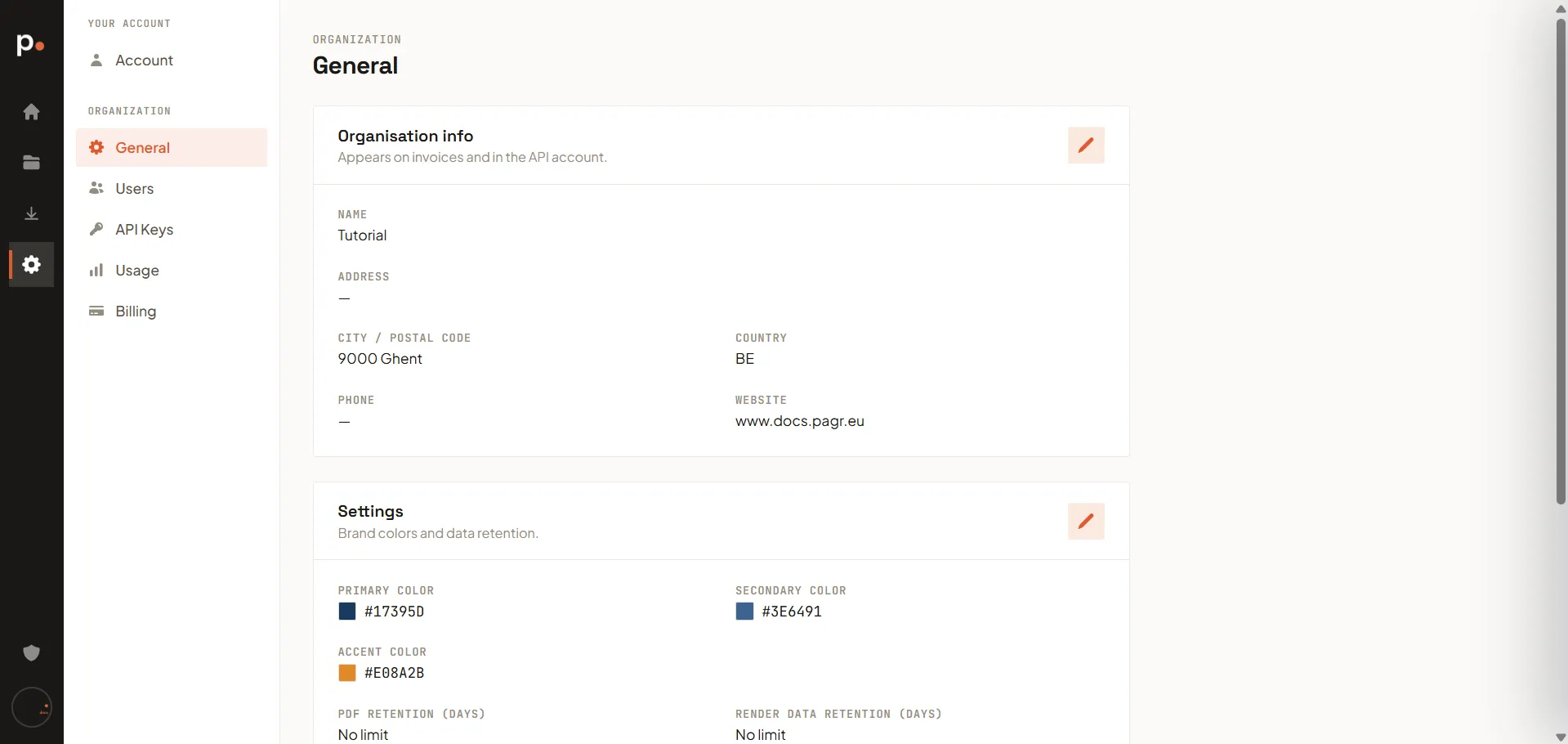
Settings → General is where you manage your organisation’s identity: its contact details, branding, and how long Pagr keeps your data. These settings apply to everyone in the organisation.
Organisation info
Section titled “Organisation info”Your organisation’s Name, Address, City / Postal code, Country, Phone, and Website. This information appears on your invoices and in the API account, so keep it accurate for billing. Click the pencil icon to edit it.
Settings
Section titled “Settings”Two things live here — click the pencil icon to edit:
- Brand colors — your Primary, Secondary, and Accent colors. The AI Assistant uses these when it builds templates, so setting them once gives every AI-generated design a consistent, on-brand look.
- Data retention — PDF retention and Render data retention, in days. These control how long Pagr keeps your rendered PDFs and the associated render data before automatically removing them. Leave a field empty for No limit, which keeps them indefinitely.
Retention is capped by your plan
Section titled “Retention is capped by your plan”You choose the retention period here, but the highest value you can choose is set by your subscription. To see your plan’s ceiling, open Upgrade plan under Billing — each plan lists its document retention among its features.
So there are two numbers in play: the limit your plan allows, and the value you’ve actually set. If you need to keep documents longer than your plan permits, upgrading raises the ceiling.
Upload your organisation’s logo (PNG or JPEG, max 5 MB).
Related articles
Section titled “Related articles”- Billing — your plan and invoices.
- Usage — page and token consumption.
- Master Templates — reusable layout to pair with your brand colors.