
Fonts
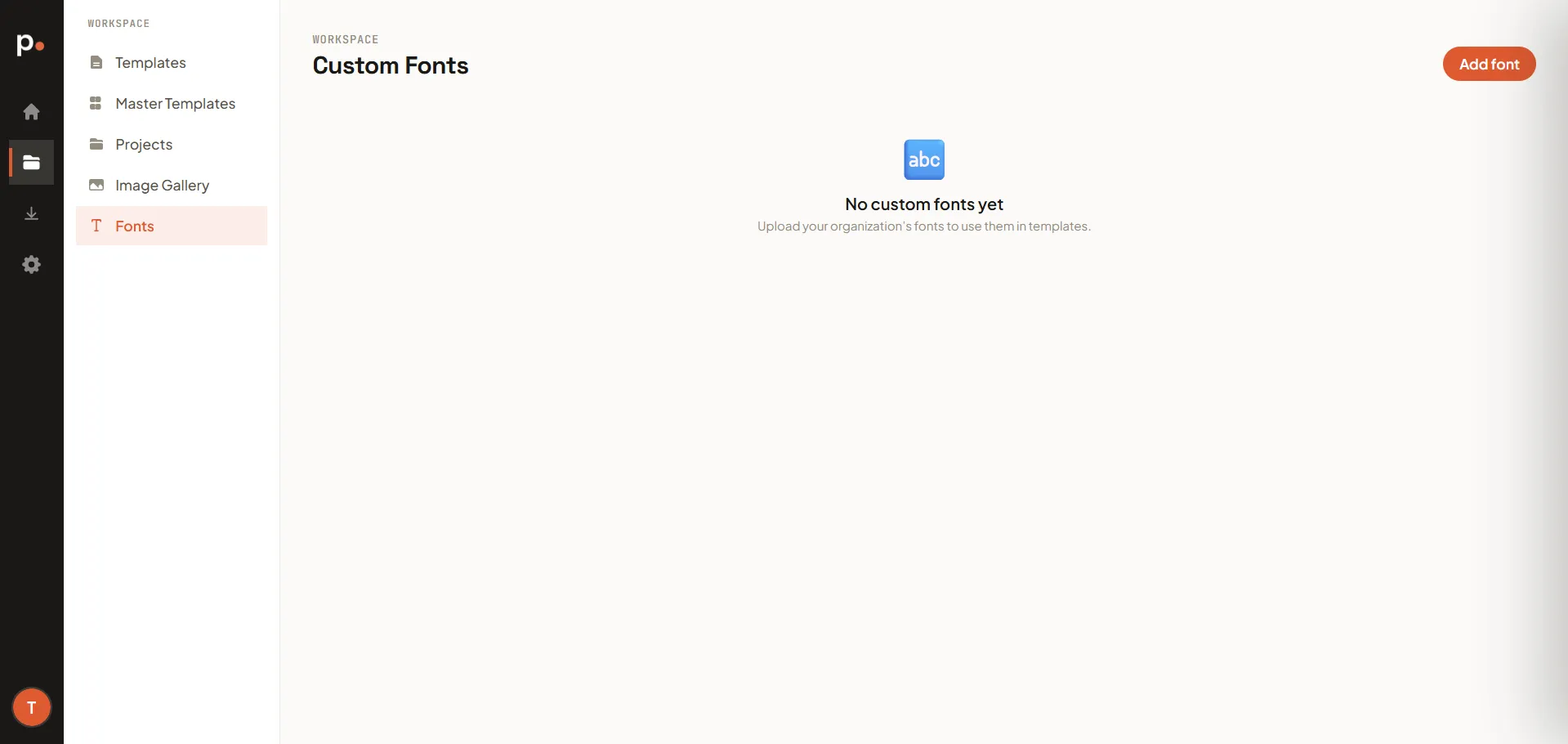
Upload your organisation’s own fonts so your documents match your brand typography, instead of being limited to Pagr’s built-in fonts. Once uploaded, a font is available to select when designing any template.
Adding a custom font
Section titled “Adding a custom font”- Go to Workspace → Fonts and click Add font.
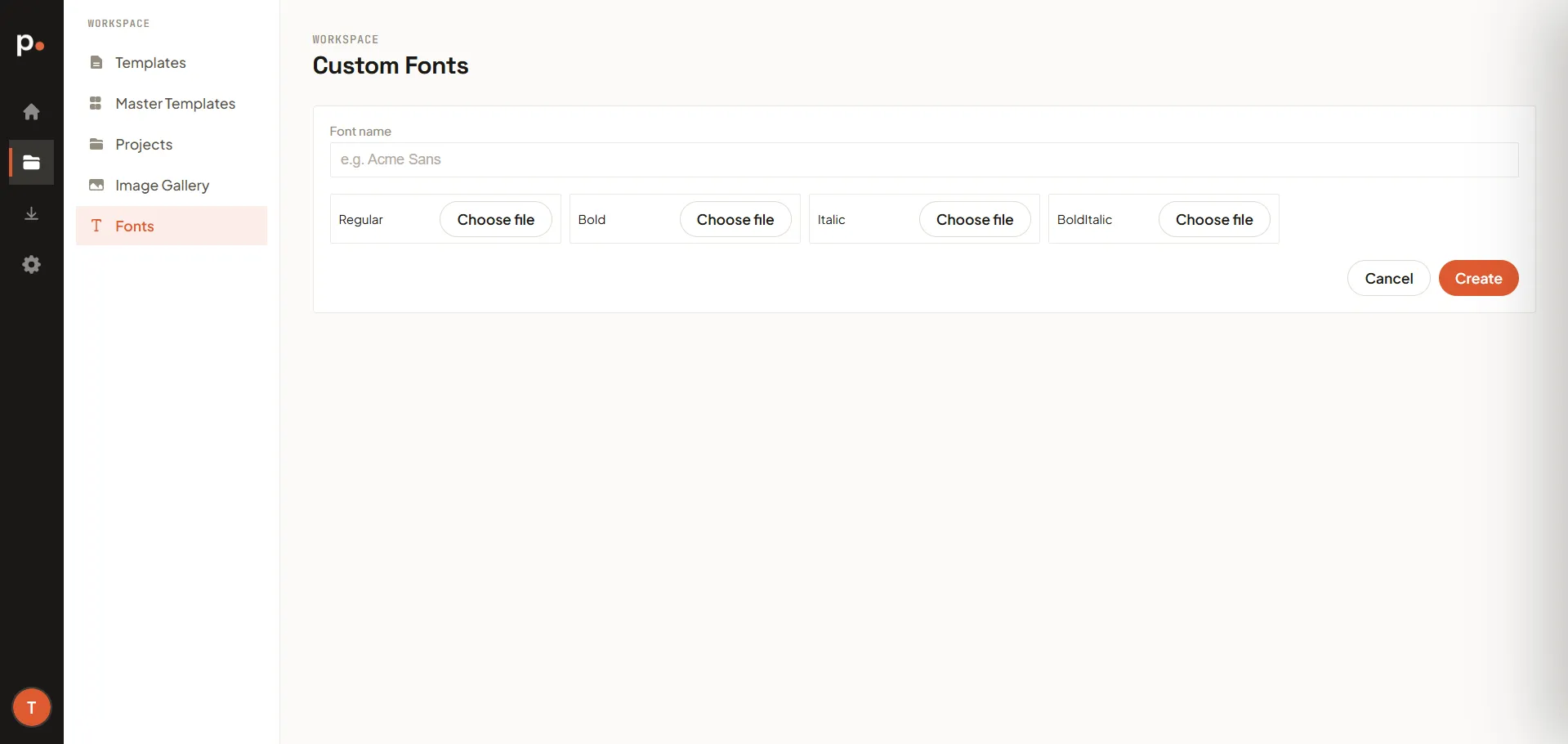
- Enter a Font name. This is the name you’ll use to select the font in a template, so pick something recognisable (for example, the font’s real family name).
- Upload a file for each style you have: Regular, Bold, Italic, and BoldItalic. You don’t need all four — upload only the styles you have.
- Click Create.
Using a custom font
Section titled “Using a custom font”Once uploaded, select the font by its name when designing a template in the editor.
Related articles
Section titled “Related articles”- Templates — where you select a custom font from.
- Image Gallery — reusable images, the same idea for graphics.
- General settings — organisation brand colors and logo.