
Account
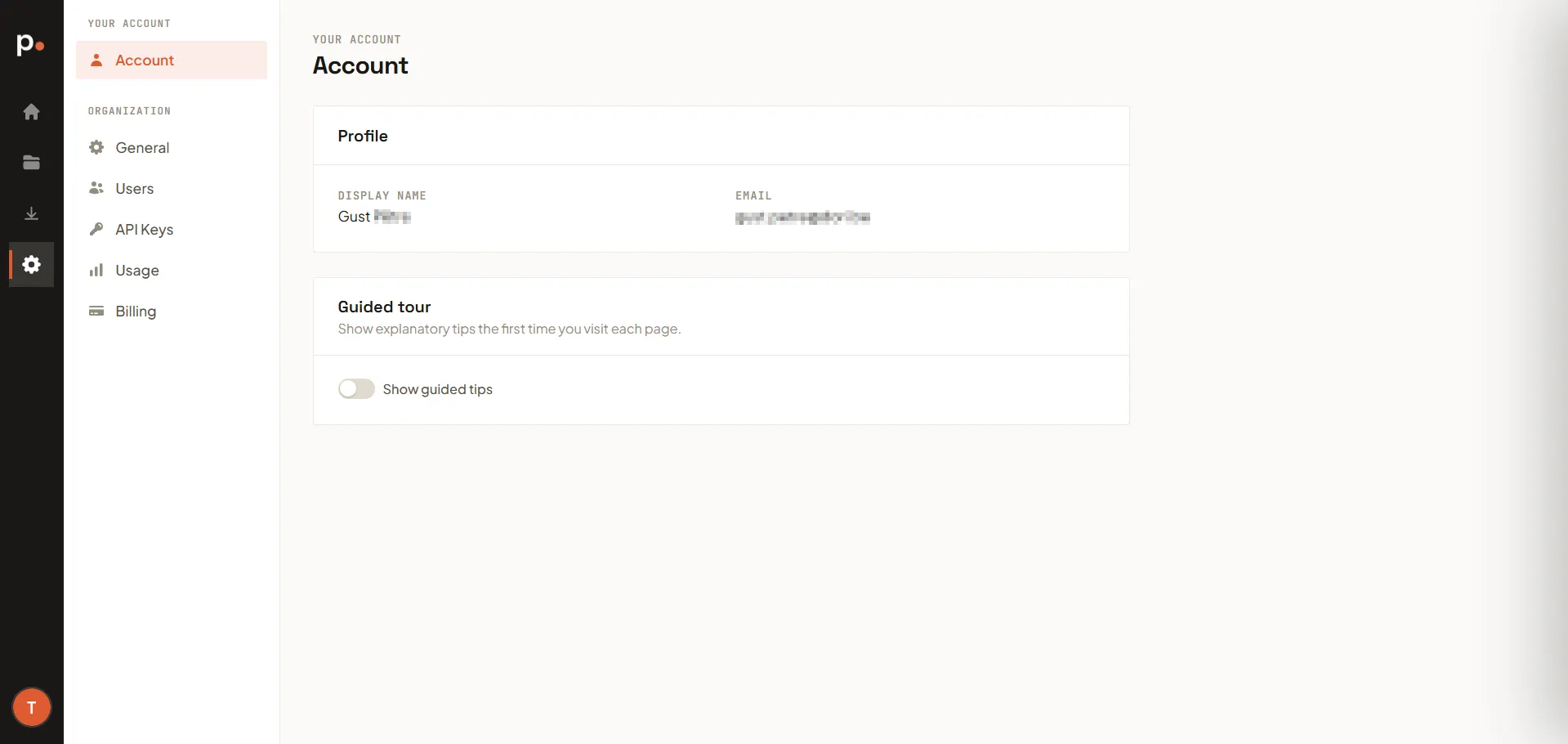
Settings → Account covers your personal account — the settings that are about you, not your organisation. (Organisation-wide settings live under General, Users, and the other Settings pages.)
Profile
Section titled “Profile”Shows your Display name and Email address — the identity other members of your organisation see next to your activity.
Guided tour
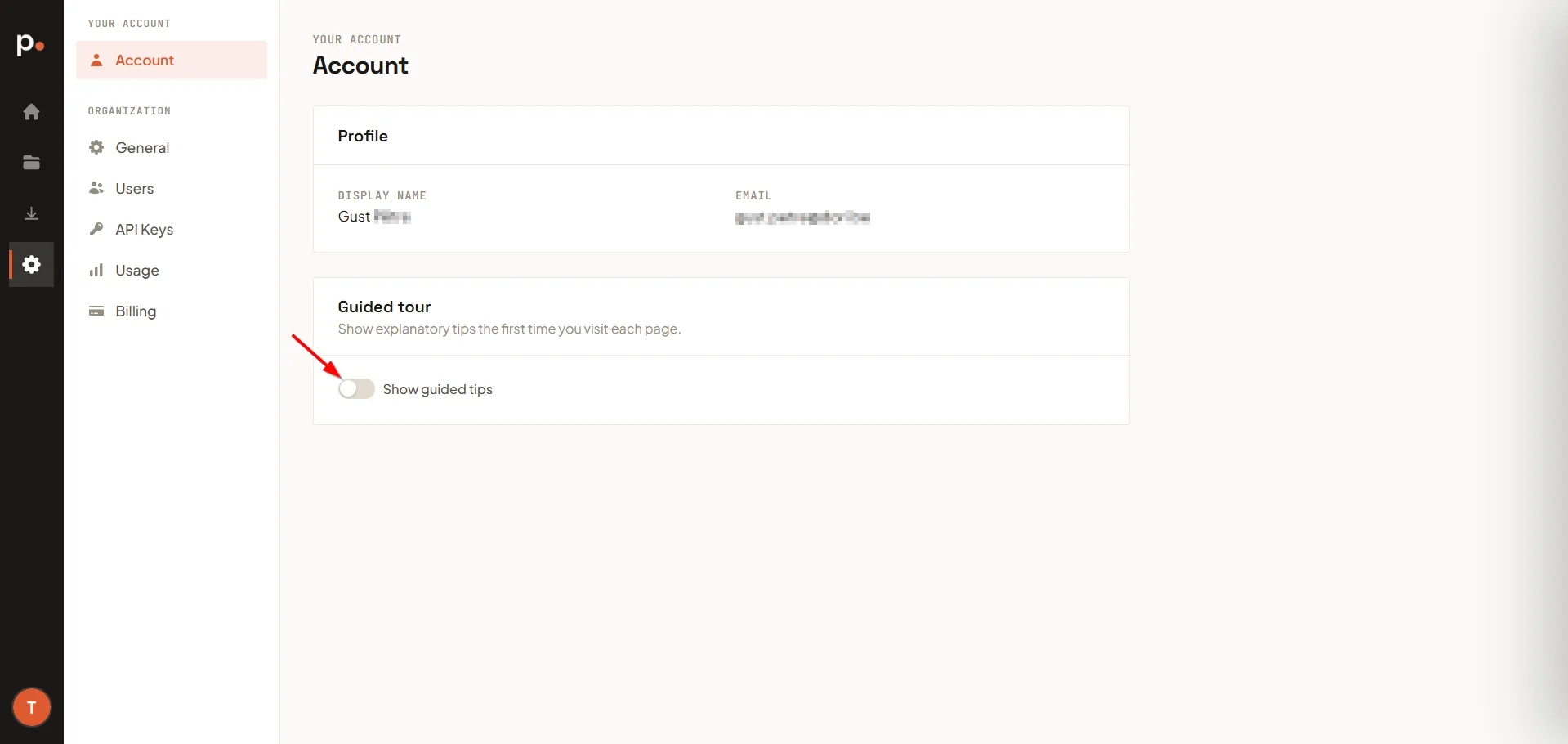
Section titled “Guided tour”Pagr shows short explanatory tips the first time you visit each page. Use the Show guided tips toggle to turn these on or off at any time.
Related articles
Section titled “Related articles”- Password reset — reset your password if you’ve forgotten it.
- Users — manage who else has access to your organisation.