
API Keys
Pagr is built to be called from your own application: design templates in the workspace, then render them on demand through the API. Settings → API Keys is where you generate the keys your integration uses to authenticate.
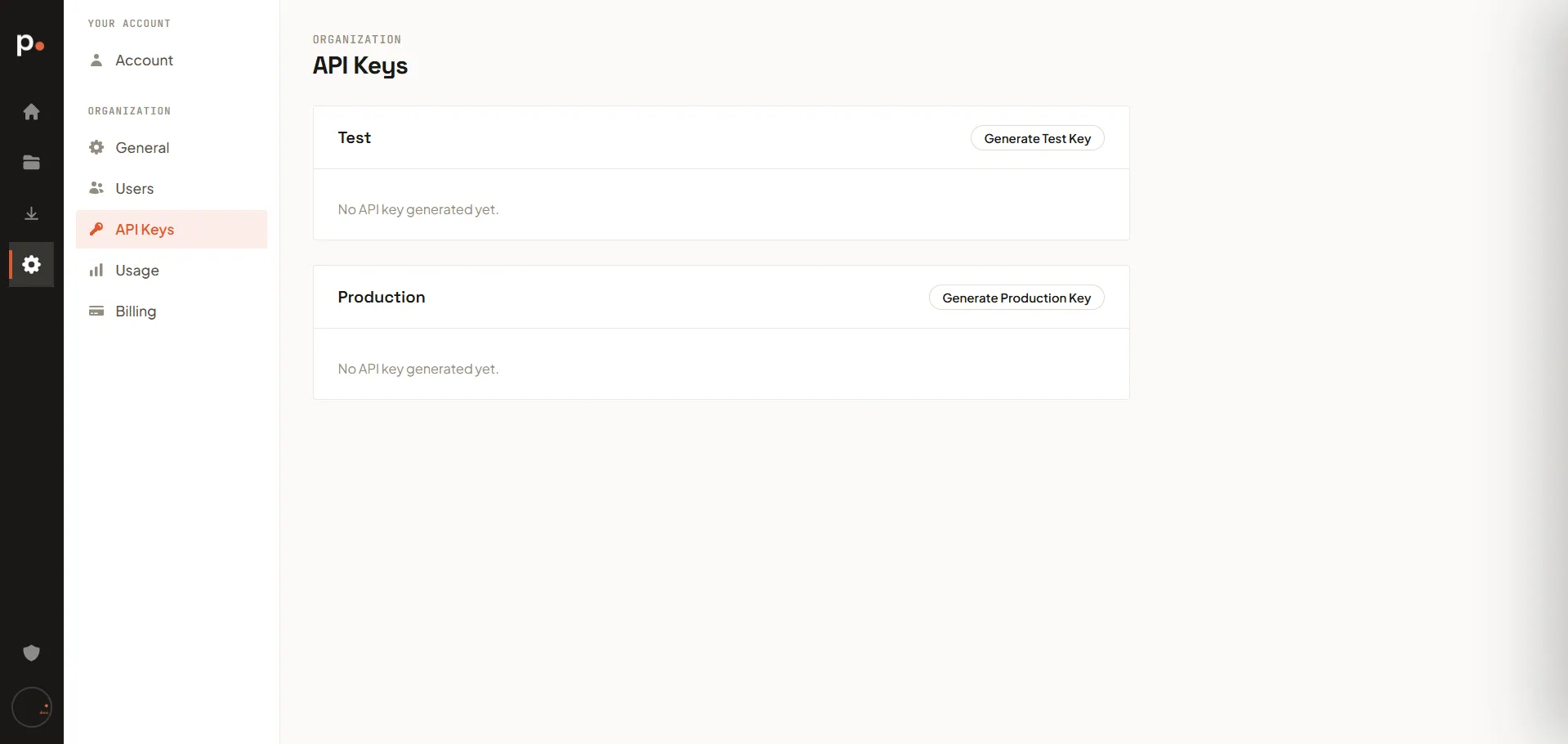
Test and Production keys
Section titled “Test and Production keys”Keys are split into two environments, matching the two render environments:
- Test — click Generate Test Key for a key to use during development. Test renders don’t count toward your production page credits.
- Production — click Generate Production Key for a key to use in your live product. Production renders count toward your plan’s page credits.
Using separate keys means you can build and test freely without affecting your production usage or output.
Webhook signing secret
Section titled “Webhook signing secret”Below the two key sections is your organisation’s webhook signing secret — a second credential, used in the opposite direction. When you enqueue a background render job, Pagr calls your application back with the result. Those callbacks are signed with this secret, so your endpoint can tell a genuine callback from anyone else posting to the same URL.
- Reveal shows the full value (it’s masked by default); Copy puts it on your clipboard.
- Last rotated tells you when the current value was issued. A secret is created automatically the first time you open this page, so there’s nothing to generate.
- Rotate issues a replacement. The one it replaces keeps signing callbacks for 24 hours, so you can deploy the new value to your endpoint without missing any deliveries. While that window is open the page tells you when it closes.
The section only appears if you have the edit permission on organisation settings. Unlike an API key, where the page shows just a prefix, this one reveals the whole credential — so it’s held to the stricter permission. See Users.
Developers: Webhooks covers the signature format and shows how to verify it in each SDK. There’s no API endpoint that returns this secret — copy it from here into your receiver’s configuration.