
Image Gallery
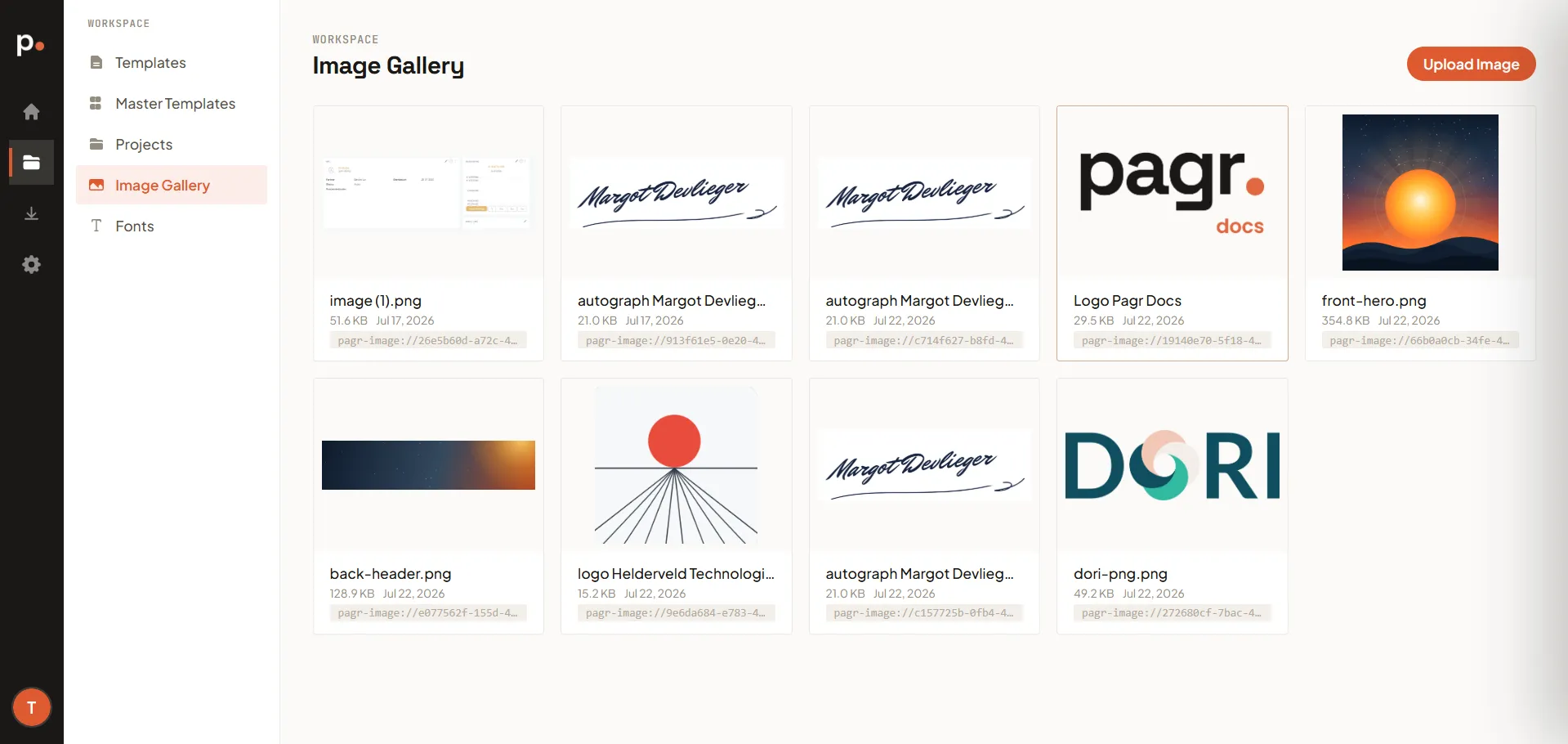
The Image Gallery stores images you want to reuse across templates — logos, signatures, icons, or other assets — so you don’t have to upload the same file into every template. Upload an image once, then reference it wherever you need it.
Uploading an image
Section titled “Uploading an image”Click Upload Image and choose a file from your device. It’s then available to every template in your organisation.
Each uploaded image appears as a card showing a thumbnail, its file name and size, the upload date, and its pagr-image:// reference — the code you use to place the image in a template. You can copy the reference straight from the card.
Using a gallery image in a template
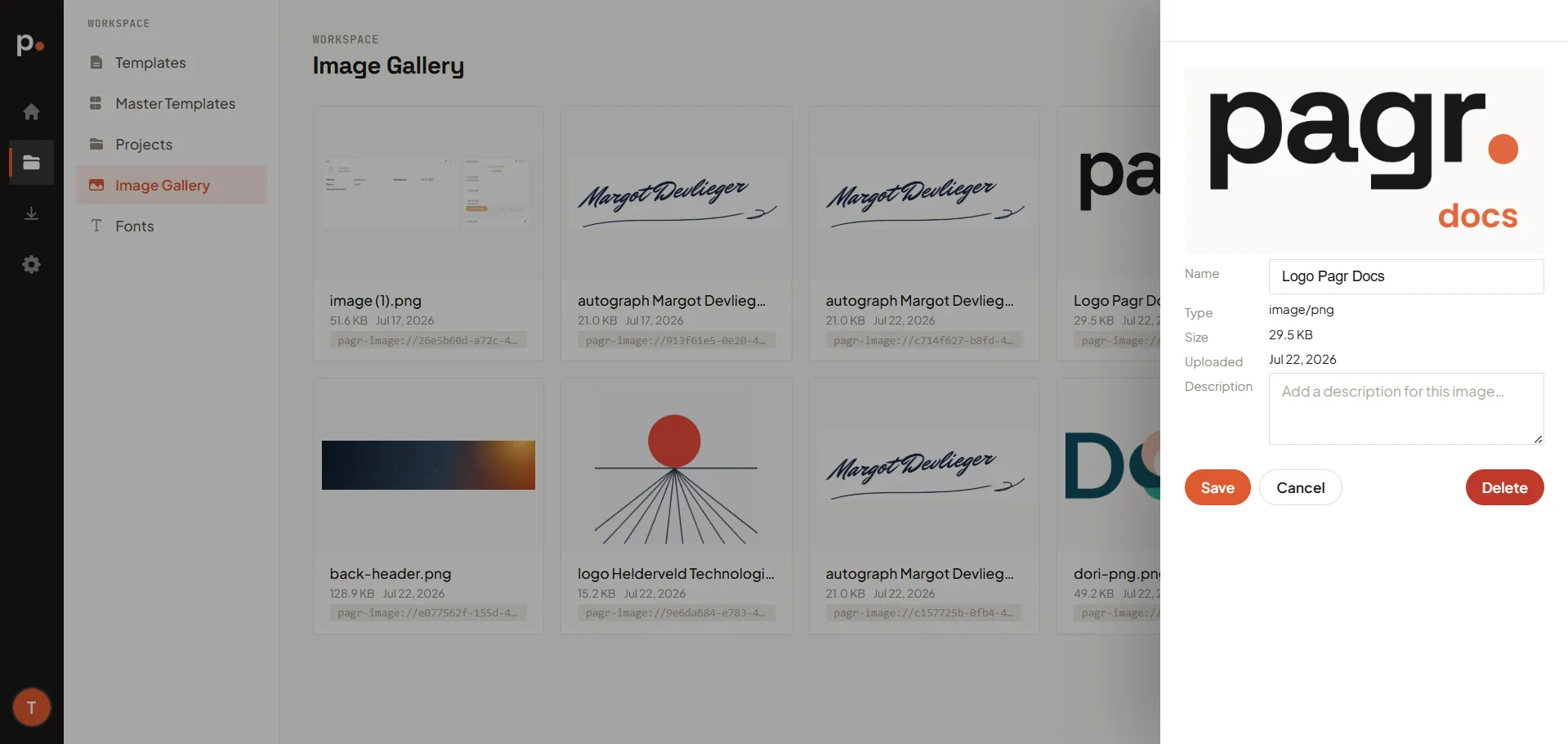
Section titled “Using a gallery image in a template”Reference a gallery image in your template with its pagr-image:// reference (shown on the image’s card) instead of embedding or re-uploading the file. Because the reference points at the gallery, updating the image there updates it everywhere it’s used.